City Shield
Tap the sky, launch interceptors and keep the missiles off your skyline.

Free · No download · Phone, tablet and desktop
- CategoryAction
- ControlsKeyboard, mouse or touch
- PriceFree
About City Shield
City Shield is a fast tap defence game. Missiles drop from the night sky toward five lit towers, and the only way to stop them is to tap the point where they are heading. The nearest rooftop battery fires an interceptor, which bursts in a small circle and takes out every missile inside it.
Each city can take two hits before it goes dark, and the missiles come faster and in bigger groups as the clock runs on. There is no final wave: the run ends when the last tower falls, so the score is a measure of how long you kept the lights on.
How to play
- Tap or click an incoming missile to send an interceptor at it.
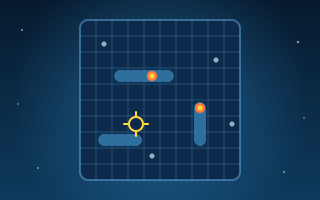
- On a keyboard, move the crosshair with the arrow keys and press Space.
- Each battery has a short cooldown, so spread your shots across the skyline.
- Protect all five cities for as long as you can.
Controls
- Keyboard & mouse
- Arrow keys to aim · Space to launch an interceptor
- Touch screen
- Tap a missile to intercept it
Tips and tricks
- Aim at the missile, not the city: the blast is wide enough to catch a small group.
- Save the middle battery for missiles that slip past the edges.
- When two missiles are close together, one interceptor can take both.