Story Blocks — Free Sentence Builder Game
Snap pastel word blocks in order and watch each story scene come alive!
About Story Blocks
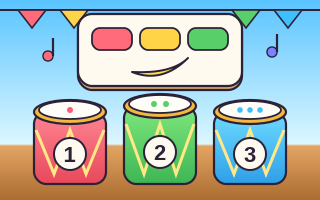
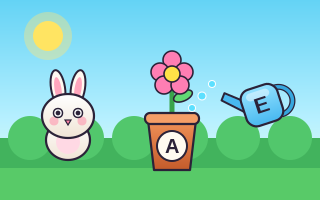
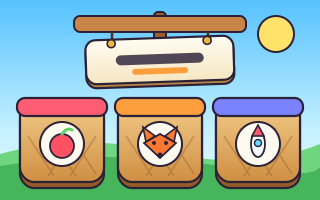
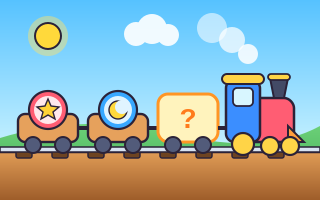
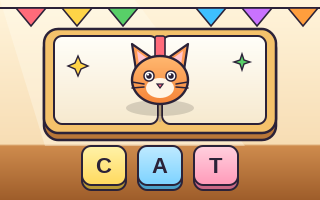
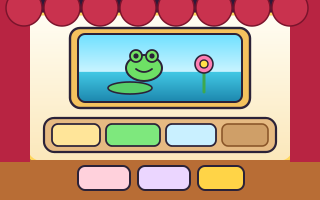
Story Blocks turns sentence building into an interactive puppet theater with Pippa Bunny. Across twelve curated story puzzles, each stage displays a framed miniature illustration waiting for its matching sentence to wake up.
Tap the pastel word blocks in order—or press keys 1 to 5—to place them onto the wooden reading rail. Complete the sentence accurately to watch the little scene hop, fly, swim or soar with rainbow confetti, or use Hint and Undo whenever you want a second look.
How to play
- Look at the characters inside the miniature theater frame for clues.
- Tap pastel word blocks in sentence order (or press keys 1–5) to fill the rail.
- Tap a placed block or press Backspace to return a word to the tray.
- Watch the scene animate when your sentence matches, and finish all 12 stories!
Controls
- Keyboard & mouse
- Keys 1–5 or ← → + Space · Backspace to undo · H for hint · or click
- Touch screen
- Tap word blocks to place · Tap placed blocks to return
Tips and tricks
- Look for capital-ready starter words such as THE, A, MY, OUR or HIS first.
- The animal or object in the miniature scene names the subject of the sentence.
- If a guess shakes, green blocks stay locked in the right spots for you.
Story Blocks: frequently asked questions
How do kids build sentences in Story Blocks?
Children tap shuffled word blocks to place them into the wooden reading rail from left to right, guided by a miniature storybook diorama above the rail.
What happens when a sentence is ordered correctly?
The illustrated diorama comes alive—frogs hop, rockets blast off, or boats sail—with confetti and musical chimes before moving to the next story.